
Custom ERP software for logistics that fits the operation you actually run.
We configure ERP platforms and build custom services for logistics operators, connecting the operation to billing and the ledger.
We review each requirement with you and choose configuration, integration or a custom component against the workflow.
- 120+Projects delivered across 12 countries since 2012
- 100+Senior in-house engineers, six countries
- 5.0Unified rating across 61 client reviews on Clutch
- 2 to 4 weeksTypical time from signature to start
- ISTQBISTQB-certified QA engineers
- ISO 27001Certified security practice, audited by Quay Audit UK
01Overview
A logistics ERP connects operations with the financial record
A logistics ERP keeps operational transactions connected to the financial record. We begin with a workflow and platform-fit review that defines what to configure, which execution systems to retain and where a custom component belongs.
- Plan and buyDemand and purchasing records that carry supplier terms and inventory value into the ledger.
- Demand and replenishment
- Purchasing and supplier terms
- Landed cost and valuation
- Store and moveWarehouse and transport workflows, connected to the ERP's records.
- Warehouse and inventory
- Transportation and carriers
- Fleet and equipment
- Sell and settleOrder to cash, with logistics-specific rating and settlement rules.
- Order and fulfilment
- Rating and settlement
- Carrier invoice audit
- Logistics delivery experienceOur four published logistics case studies cover transport and warehouse systems, including order-management customization.
02Compare
Configure the ERP or build a separate component
Review each logistics requirement against the ERP's standard workflow and supported interfaces. That shows what to configure and where a separate component has a useful job.
| Requirement to review | Decision to make | How we handle it |
|---|---|---|
| “Our pick path is not the sequence the warehouse module wants.” | Test the configuration against the pick path | Configure the warehouse module and validate its flow against your layout and picking requirements. Review any uncovered steps before deciding whether to extend it.Get a second opinion firstOr book a meeting |
| “Our rating and settlement rules are the business.” | Separate commercial rules from financial records | Build the rating and exception rules as a separate service. Keep the invoice, ledger and audit trail in the ERP.How we build custom systemsOr book a meeting |
| “Every large customer wants documents in their own format.” | Separate standard templates from customer requirements | Configure the document templates where they cover the requirement, then build one document service for the remaining formats. Additional customer formats share the same service.Process automation buildsOr book a meeting |
| “The warehouse, the storefront and the ERP each know a different stock number.” | Agree which system owns stock | Choose one system to own stock, then connect the others over REST, SOAP or scheduled file exchange, using the interfaces each retained system supports.Warehouse management buildsOr book a meeting |
| “Every carrier wants its own feed and none of it matches the ERP.” | Normalize partner data before the ERP | Put an integration layer in front of the ERP to normalize carrier APIs and EDI documents. Each carrier gets a mapping to the same shipment data.Freight and carrier APIsOr book a meeting |
Odoo, Dynamics and NetSuite all model a warehouse, and we fit them to yours. We review each exception with you, configure the package where it fits and build the rest beside it. A platform upgrade then leaves that custom work intact.
 Oleksandr TrofimovCTO & Co-Founder, unicrew
03Modules
Choose the first logistics ERP module
Your first ERP release needs a clear operational or financial boundary. Scope one module and its interfaces, then expand from that working release.
Warehouse and inventory
Receiving, putaway, picking, packing and cycle counts with barcode and scanner support, built as a module that can ship on its own and connect to the rest afterwards.
- Start here when
- Two systems disagree about stock
Transportation and fleet
Carrier selection, load building, route planning and shipment tracking, wired to carrier APIs and telematics over REST, SOAP and file-based exchange.
- Start here when
- Dispatch runs beside the ERP, not in it
Order and fulfilment
Order management that ties sales and fulfilment orders to inventory and shipments in one place, so an order moves once and every downstream system sees the same state.
- Start here when
- An order is re-keyed more than once
Rating, billing and settlement
Rating, invoicing, settlement and carrier invoice audit across customers and carriers, wired to your finance system rather than reconciled by hand at month end.
- Start here when
- Load margin needs manual reconciliation
Purchasing and supplier terms
Demand, replenishment, purchasing and landed cost, configured around the supplier terms and stock records your operation uses.
- Start here when
- Replenishment needs a shared planning rule
Customs records and GDPR data handling
Connections to the systems you keep, EDI partners and customer portals, plus reporting over one operational data store. We scope customs and export-document retention, audit records and GDPR access controls against your role and applicable requirements.
- Start here when
- The weekly report is assembled by hand
04Stack
The ERPs we work inside, and what we build around them
The ERP platform and its supported interfaces set the integration boundaries. We use the application stack to build custom logistics services beside it.
 React
React Angular
 iOS
iOS Android
 .NET
.NET- ASP.NET
- ASP.NET MVC
 Java
Java PHP
PHP- REST API
 AWS
AWS Azure
Azure
 Odoo
Odoo- Microsoft Dynamics 365
- NetSuite
 Sage 300
- ePROMIS
05Delivery
How an ERP engagement runs, from exception list to cutover
We turn the agreed ERP requirements into a staged implementation, with reconciled data and a pilot before wider cutover.
- Review the requirementsWe review each logistics workflow with the people who run it and compare the requirements with the ERP's standard functions. Each requirement is assigned to configuration, integration or a custom component.You getA requirement list marked configure, integrate or build
- Pick the platform against that listWe assess the ERP options against your requirements and the systems you want to retain. The recommendation names what the platform covers and which extensions or custom services it needs beside it.You getA platform recommendation, with the gaps it leaves named
- Configure the platform, build the custom servicesWe configure standard modules and build custom services against documented extension points and APIs. The extension design follows the chosen ERP's supported interfaces, with core platform objects kept separate from custom logic.You getA configured core, plus extensions documented for upgrades
- Migrate, reconcile, pilot one siteStock, open orders, customers, carrier rates and history move with a reconciliation report your team can check. One site or depot pilots the system before the wider rollout.You getA reconciled data set and one site running on it
- Roll out, then hand the configuration backWe roll out site by site or module by module and document the configuration as we go. Handover prepares your staff to change rate tables, document templates and workflow rules.You getDocumentation, and staff who can configure it themselves
06Proof
Logistics experience behind our ERP recommendations
Extending an ERP means understanding the operation around it. Our logistics work connects transportation workflows to accounting, with MiniMoves demonstrating how a purchased system can be developed further.
- Four logistics platforms with names on themMiniMoves in Chicago commissioned customization of a bought .NET transportation system, extending the workflow from lead management to accounting. Its VP of IT writes in his Clutch review that order management enhancements "increased productivity and allowed us to maintain double digit growth without a substantial increase in staffing". Our other published logistics systems are Cloud Van Lines in Boston, Bitergo in Dortmund and Mover Technologies in Florida. The moving-company SaaS included four payment-provider integrations.4published logistics case studies
- Five ERP platforms, chosen against your requirementsWe integrate and customize Odoo, ePROMIS, Microsoft Dynamics 365, Sage 300 and NetSuite, and connect them to the systems of record you keep. The operating requirements decide what to configure and where a custom layer belongs. The same team builds those components through our platform development and integration service.5platforms we configure and extend
- Certified security and QA, in the teamunicrew holds ISO 27001:2022 and ISO 9001:2015, both renewed through a multi-stage audit with Quay Audit UK, and has ISTQB-certified QA engineers. Contracts and NDAs come first. Build access is least-privilege, read-only wherever the work allows, with no production write access during discovery. ERP retention, permissions and audit trails are scoped at discovery.ISO 27001audited by Quay Audit UK
07Case studies
Logistics systems we have delivered
ERP integration must preserve the way the operation books and fulfils work. Our delivered logistics systems show how we build around those workflows.
See all case studies LogisticsCustom software for a US moving companyAn end-to-end SaaS platform for managing household moves and every business operation of a logistics company.Built from scratchAn end-to-end SaaS for household moves and the operations behind them
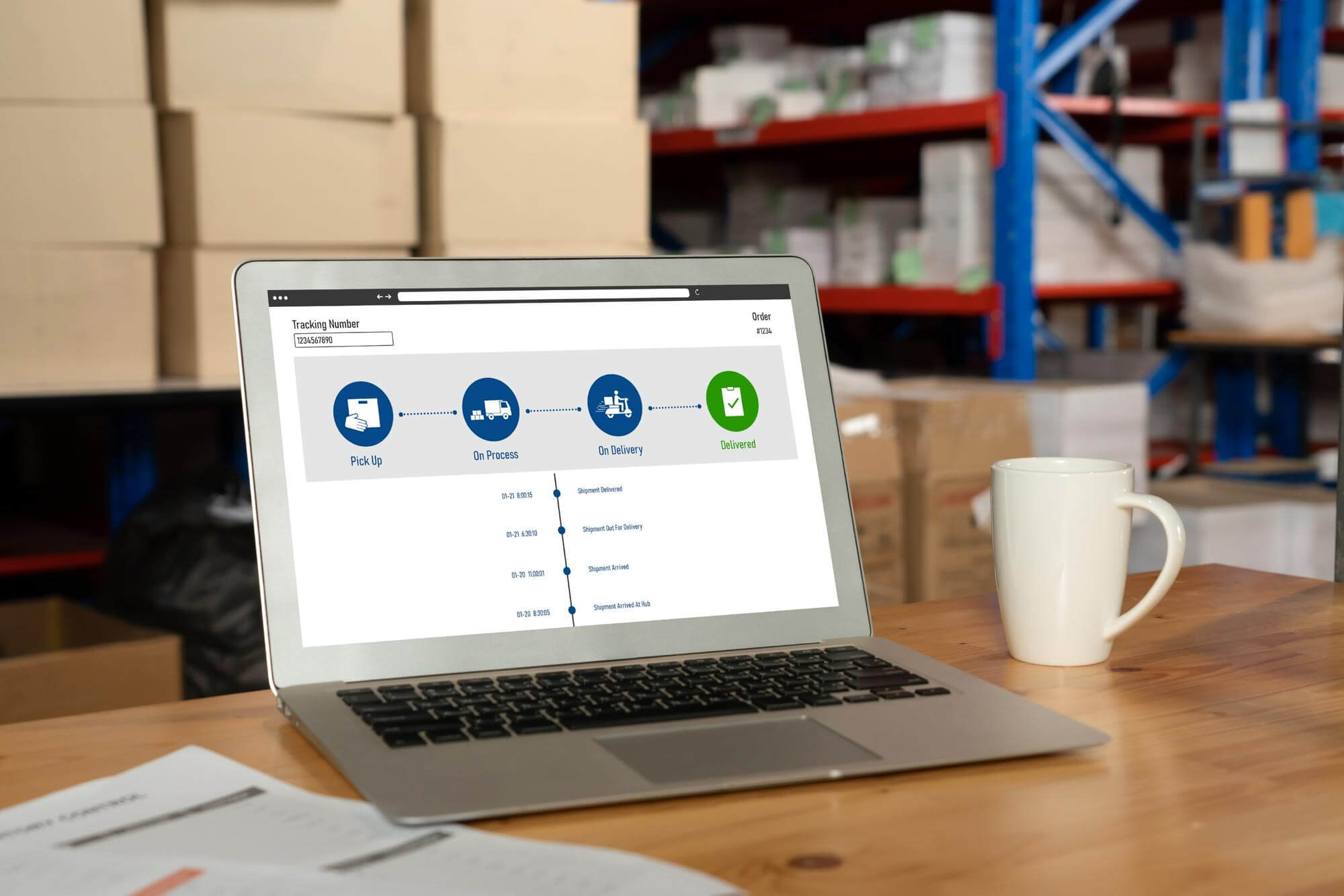 LogisticsMiniMoves Order Management PlatformA custom-built moving order system that simplifies booking, boosts automation, and improves operational efficiency.Double-digit growthMaintained without a substantial increase in staffing
 LogisticsApp Store for warehouse managementOur client Bitergo offers a collection of business apps to optimize warehouse management, scalable from start-ups to 4PL companies. The client decided to upgrade the front-end of all its applications to the latest version of Angular.Rapid increaseOf test accounts ordered by potential customers after the site launched
08Questions
Questions about ERP for logistics
Configure the ERP where the standard workflow fits; extend it or build a separate service where the operating rules require custom work.
We review each requirement with you. Rating and settlement, customer-specific documents and a fulfilment sequence can each need a different treatment. Useful standard functions stay, and custom components have a defined job beside the platform.
The best fit depends on your stack, scale and operating requirements. We assess the platform alongside its configuration, integrations and custom components.
- Odoo suits operators evaluating modular ERP for warehouse and inventory work.
- NetSuite provides a cloud-suite option for financials and order management.
- Microsoft Dynamics 365 fits a platform review where the operator already uses Azure.
- Sage 300 and ePROMIS belong in the assessment where the group already runs them.
The recommendation identifies the functions each platform covers and the extensions or separate services it needs for your logistics workflows.
Yes. We integrate the ERP with the warehouse and transport systems you retain.
Connections cover carrier APIs, EDI partners (X12 in North America, EDIFACT in Europe), telematics feeds and finance systems. We use REST, SOAP or scheduled file exchange, according to the interfaces each system supports. One system owns each record and the others receive its updates.
We review the retained systems and their interfaces before scoping the integration work.
We quote against your ERP scope. Configuring one module is a different project from replacing a five-module ERP across sites.
- Time and materials: billed hourly, quoted per project.
- Fixed price: quoted per project against an agreed outcome.
- Team extension: billed monthly per team member.
After discovery, we recommend the model and identify which requirements drive the cost.
Most engagements start within two to four weeks of signature. Delivery duration depends on the modules, integrations and custom work required.
We agree a phased implementation plan: one module against real data and feedback from the people using it, then rollout site by site or module by module. The plan separates the start date from the delivery and cutover milestones.
You own the customizations, in your repositories, with documentation for handover.
We build custom work against documented extension points and APIs, keeping core platform objects separate from custom logic. An ERP upgrade still needs compatibility review against the interfaces and extension points the customization uses.
Maintenance afterwards is team extension billed monthly per team member; otherwise handover is the deliverable.
On an ERP build, we agree data access and security controls before work starts.
Contracts and NDAs come first. Access is least-privilege and agreed with your technical contact, read-only wherever the work allows, with no production write access during discovery. We work inside your cloud where customers, insurers or shippers require it.
unicrew holds ISO 27001:2022 and ISO 9001:2015, audited by Quay Audit UK, and has ISTQB-certified QA engineers. GDPR requirements and retention for customs and export documents are scoped at discovery.
Plan what to configure and build around your logistics ERP
Review your platform requirements with a senior engineer who has delivered logistics systems. We recommend what to configure or build and which module to start with.
What happens after you contact us
- We reply within one business daySend the platform and workflow requirements you want us to review.
- A call about the operationWe map the operating requirements and the systems you want to retain.
- Route and engagement model, in writingConfigure, build or both, priced as time and materials, fixed price, or team extension.
- NDA, then discoveryMost engagements start within two to four weeks of signature.