Voice AI Development: How to Integrate Speech-to-Text Into Your Product
Voice AI development means wiring speech-to-text, speaker diarization, and real-time streaming into one pipeline. Here's how the stack fits together.
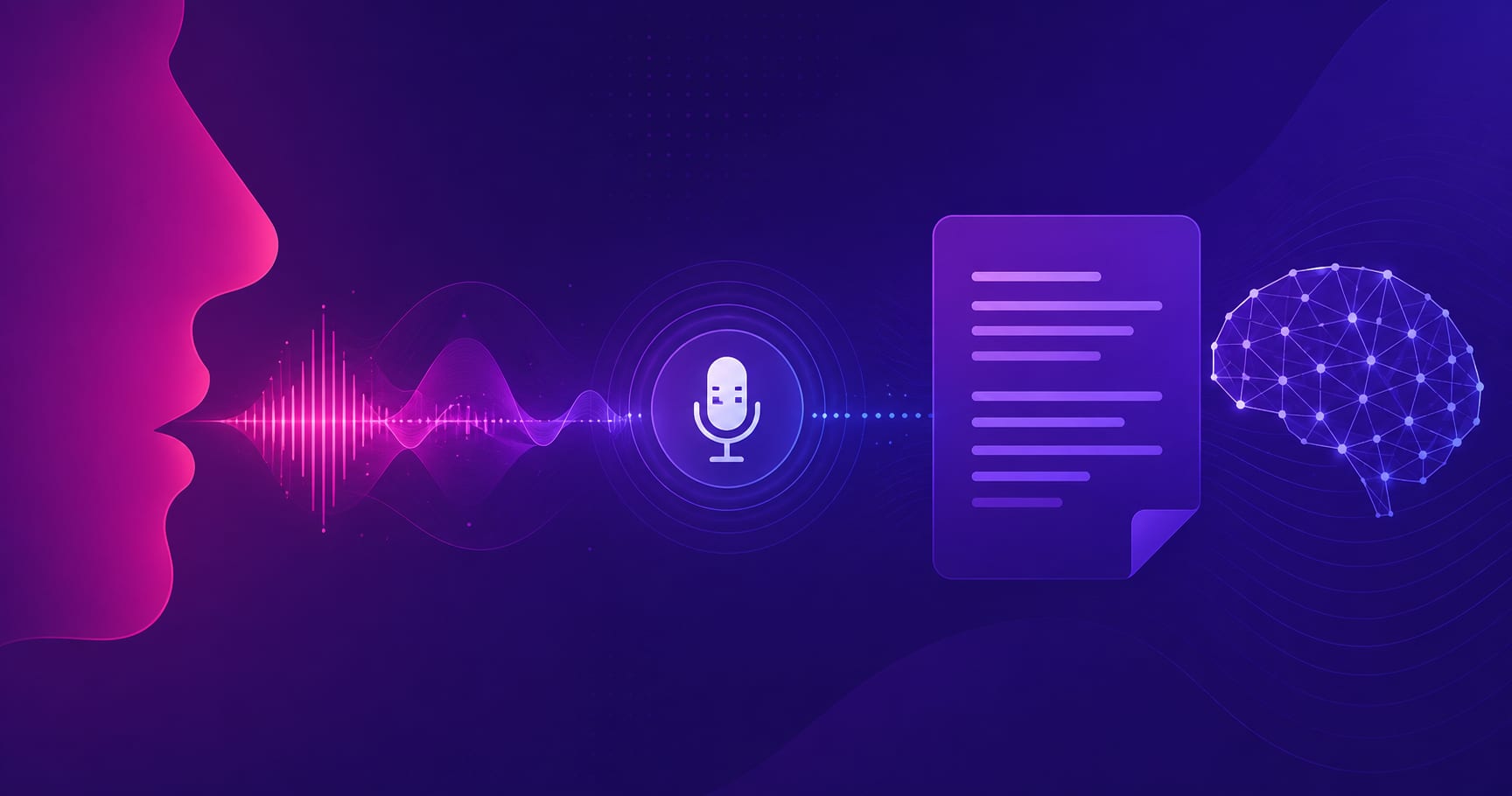
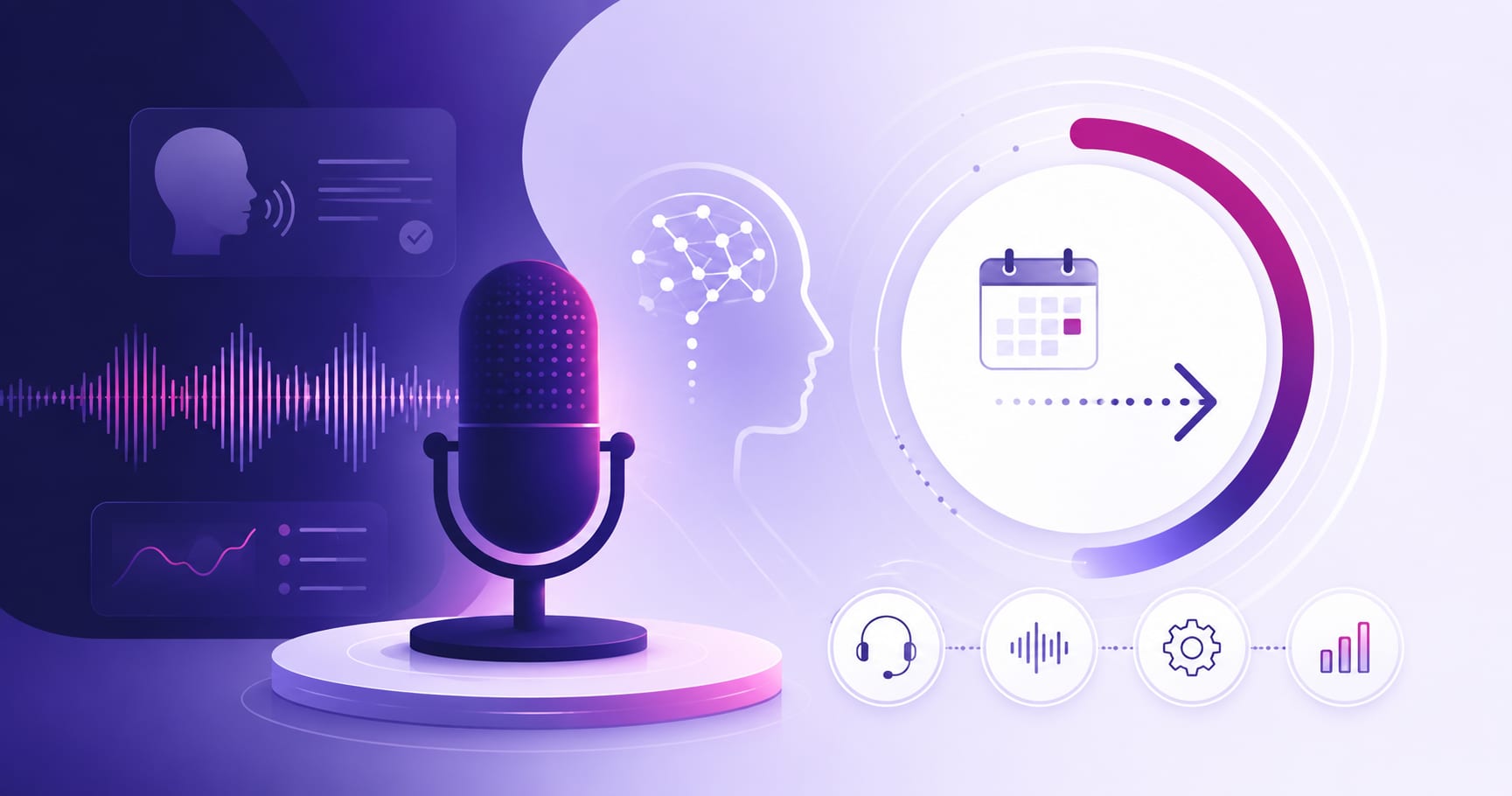
Voice AI development is the work of wiring four things into one pipeline: capturing audio, converting it to text through speech-to-text integration, attributing that text to the right speaker, and responding fast enough that the interaction still feels like a conversation. None of those four pieces is hard on its own. Getting all four to hit their latency and accuracy targets at the same time, in production, under real network conditions, is where most integrations go wrong.
That’s the part competing “top 10 STT APIs” roundups tend to skip. They compare vendors on a single accuracy number and stop there. This post covers the engineering decisions that actually determine whether a voice feature works: how to pick between streaming and batch transcription, why diarization benchmarks lie to you if you read the wrong metric, how the 300-millisecond latency budget breaks down stage by stage, and what compliance actually requires once you’re recording people’s voices.
What “Voice AI” Actually Means in a Software Product
Under the marketing term, “voice AI” is a chain of four discrete systems, each with its own failure modes: a capture layer that gets audio off a microphone or phone line, an automatic speech recognition (ASR) engine that turns audio into text, an understanding layer (a diarization model, an intent classifier, or an LLM) that figures out who said what and what to do about it, and a response layer that either displays text or synthesizes speech back.
Every one of these stages can be built in-house, bought as a managed API, or some mix of both. The engineering decision that matters most is not which vendor has the best headline accuracy score. It’s whether the pipeline is architected to stream, because streaming is what determines whether the feature feels instant or feels like talking to a slow IVR system from 2008.
We’ve seen this play out directly in production. Snaplore, an AI-powered knowledge management platform we built, uses Whisper for transcription and WebRTC to join live meetings on Zoom and Google Meet in real time, running on AWS infrastructure. The product turns meetings, screen recordings, and calls into searchable documentation automatically. Clients using it reported up to 60% less time spent on documentation tasks once the capture-to-transcript pipeline was streaming reliably rather than batching audio after the fact. That gap, between “works in a demo” and “works when 40 people join a call at once,” is almost always a pipeline architecture problem, not a model accuracy problem.
Choosing a Speech-to-Text Engine
Streaming vs. Batch Transcription
Batch transcription takes a complete audio file and returns a complete transcript. It’s simple to integrate, tolerant of network hiccups, and appropriate for anything that doesn’t need a live response: podcast transcription, call recording archives, compliance logging, subtitle generation. Latency doesn’t matter because there’s no live conversation waiting on the output.
Streaming transcription sends audio in small chunks (typically 100-300ms of audio per packet) and receives partial transcripts back as the model processes them, with a final, corrected transcript once the speaker pauses. This is the only viable approach for voice assistants, live captioning, real-time call analytics, or anything where a human is waiting on the other end. It’s also considerably harder to integrate: you’re managing a persistent connection, handling reconnects, and reconciling partial results that get revised as more audio arrives.
The decision isn’t really “which is better.” It’s “does this feature have a human in the loop waiting for a response right now.” If yes, you need streaming. If the transcript just needs to exist eventually, batch is cheaper, simpler, and more accurate per dollar.
Word Error Rate, Latency, and Language Coverage Tradeoffs
Vendors publish word error rate (WER) as the headline accuracy metric, and it’s worth understanding what it hides. According to AssemblyAI’s 2026 benchmark of real-time speech recognition models, its Universal-3.5 Pro Realtime model scores 6.99% WER with roughly 150ms P50 latency after endpoint detection, while Google’s Chirp 3 lands at 9.04% WER and ElevenLabs Scribe v2 at 9.76%. Deepgram’s Flux model, by contrast, posts a notably higher 15.58% WER in the same benchmark.
Those numbers move a lot depending on domain. Entity-level errors (names, addresses, phone numbers) run higher than the blended WER suggests. The same AssemblyAI benchmark reports entity error rates as high as 16.92% for names, even on a model with sub-7% overall WER, and shows the model recovering roughly 10 percentage points of WER when given conversational context from prior turns. If your product needs to reliably capture proper nouns (patient names, account numbers, addresses), test on your own domain audio before trusting a vendor’s blended score.
Latency and price move together too. AssemblyAI’s own tiered pricing runs from $0.15/hour for its base streaming tier up to $0.45/hour for the highest-accuracy real-time model, while Google Cloud and AWS Transcribe sit closer to $0.024 per minute with 1-3 second latency, which rules them out for anything conversational. Language coverage is the other axis: Google and AWS claim 100+ languages, open-source Whisper variants cover 99+, while specialized real-time models like Universal-3.5 top out around 18 languages with mid-sentence code-switching support. If your product needs broad language coverage more than sub-200ms latency, that changes the shortlist entirely.
Speaker Diarization: Knowing Who Said What
Diarization is the process of segmenting an audio stream and labeling which speaker said which words, without necessarily knowing who the speakers are by name. It’s a separate problem from transcription: you can have a perfect transcript with every word attributed to the wrong person, which is a much worse product experience than a few misheard words.
Why DER Isn’t the Metric That Matters
Vendors report diarization accuracy using Diarization Error Rate (DER), which combines missed speech, false alarms, and speaker confusion into one score. The problem, as AssemblyAI’s diarization comparison points out, is that DER measures diarization in isolation from the transcript. What actually matters in production is whether the correct speaker label lands on the correct transcribed word, which is what concatenated minimum-permutation word error rate (cpWER) measures instead.
On that more meaningful metric, the gap between vendors narrows but doesn’t disappear: AssemblyAI’s Universal-3.5 Pro reports a 30.17 cpWER, ElevenLabs Scribe v2 comes in at 35.26, Gladia at 36.87, and Deepgram Nova-3 EN at 37.92. When you’re evaluating a diarization vendor for a real product, ask for cpWER benchmarks specifically. A vendor that only shows you DER is showing you the number that flatters it most.
Embedded Diarization vs. a Standalone Pipeline Stage
Some ASR providers bundle diarization directly into the transcription call, labeling speakers as part of the same API response. Others require a separate diarization pass, either from the same vendor or a dedicated tool like PyAnnote, NVIDIA NeMo, or SpeechBrain, run against the audio independently and then merged with the transcript afterward.
Bundled diarization is faster to integrate and usually good enough for two-speaker scenarios like a support call or a one-on-one interview. Accuracy degrades as speaker count grows, and most streaming diarization systems top out at somewhere between 10 and 20 tracked speakers depending on the vendor. For a product with predictable conversation shapes (two speakers, low speaker turnover), bundled diarization is the right default. For anything with group calls, panel discussions, or unpredictable participant counts, budget time to evaluate a dedicated diarization stage separately from your STT vendor, because the accuracy delta at scale is real.
Real-Time Processing Architecture and the 300ms Budget
VAD, Turn Detection, and Barge-In
Before any of the recognition models run, a voice pipeline needs to know when someone is actually speaking. Voice Activity Detection (VAD) is the component that separates silence and background noise from speech, typically operating on short audio frames (commonly 10-30ms) to decide whether to forward that frame downstream at all. Get VAD wrong and you either transcribe silence (wasting compute and money) or clip the start of what someone says (losing the first word of every utterance).
Turn detection sits one layer up: it decides when a speaker has actually finished talking, as opposed to just pausing to think. Semantic turn detection models, which use language cues rather than pure silence duration, can push this decision down to sub-75ms at the 99th percentile in well-tuned systems. Barge-in handling, letting a user interrupt a system that’s mid-response, is the feature most real-time voice products get wrong first: without it, the interaction feels like talking over a phone tree.
WebRTC vs. WebSocket vs. PSTN Transport
Transport choice is the single biggest lever on total latency, and it’s the one teams underestimate most. According to a breakdown of the voice AI latency budget, WebRTC adds roughly 30-60ms of total transport overhead, compared to 150-700ms for a call routed over the traditional phone network (PSTN). That gap alone can be the difference between a pipeline that comfortably hits a 300ms conversational latency target and one that structurally cannot.
WebSockets are a reasonable middle ground for server-to-server streaming where you don’t need WebRTC’s built-in echo cancellation and jitter handling, but for anything involving a browser or mobile microphone talking to a real-time backend, WebRTC is the default for a reason: it’s UDP-based, it has noise suppression and echo cancellation built in, and it’s what most managed voice infrastructure (LiveKit, Daily, Twilio) is built around. SIP/RTP remains necessary any time you need to bridge into the traditional phone network, but it should be treated as a compatibility layer, not the primary transport for a new product.
Streaming the Pipeline Instead of Running It in Sequence
The full round trip in a voice AI system, capture, network transit, ASR, language understanding, and speech synthesis, adds up fast if each stage waits for the previous one to fully finish. Industry guidance on real-time voice architecture puts the naturalness threshold around 500-800ms and shows that a naively sequential pipeline can rack up 1,200-3,900ms across network transit, turn detection, recognition, LLM inference, and synthesis combined, several times over budget.
The fix isn’t a faster model at any single stage. It’s architecting the pipeline to stream: forward partial ASR transcripts to the language model as they arrive instead of waiting for a final transcript, start generating speech from the first tokens of an LLM response instead of waiting for the full sentence, and stream synthesized audio back in chunks instead of waiting for the complete clip. Done well, this gets first audio playback under 800ms even though the theoretical sum of every stage’s worst case would blow well past a full second. The other lever worth pulling early is model tiering: routing simple, high-confidence queries to a fast, cheap model and reserving slower, more capable models for genuinely ambiguous turns, rather than running every request through the heaviest model in the stack.
Data Privacy and Compliance for Voice Data
Voice data is personal data, and in healthcare or finance contexts it’s often regulated data, so compliance has to shape the architecture rather than get bolted on afterward. According to Deepgram’s guide to compliance for speech-to-text systems, HIPAA requires end-to-end encryption for protected health information, allows up to 60 days for breach notification on incidents affecting 500 or more individuals, and recommends six years of retention for audit purposes. GDPR runs in nearly the opposite direction on two of those points: a strict 72-hour breach notification window and a data minimization principle that typically caps retention at 30 days unless a specific legal basis justifies longer.
That conflict is the practical takeaway: if your product handles voice data from both EU users and, say, US healthcare data, your system needs to satisfy the strictest applicable rule for each data subject rather than picking one global policy. SOC 2 adds its own requirement of at least a year of access log retention with role-based access control and immutable audit trails, and PCI-DSS prohibits storing primary account numbers in any transcript at all, which matters if your voice product ever touches payment calls. On the technical side, TLS 1.3 for data in transit and AES-256 for data at rest are the baseline most of these frameworks converge on, and credential rotation on a fixed schedule (commonly every 60 days, per ISO 27001 guidance) is a low-effort control worth building in from day one rather than retrofitting later.
Where Voice AI Integrations Actually Break
The failure modes we see repeatedly in voice AI integrations are rarely about model quality. Audio chunking is the first one: teams pick an arbitrary chunk size for streaming without testing it against their actual network conditions, and end up with choppy partial transcripts or unnecessary latency. Reconnection handling is the second: mobile networks drop connections constantly, and a voice pipeline that doesn’t gracefully resume a WebRTC session mid-sentence will lose the first few words of every reconnect, which is exactly the kind of bug that only shows up once real users are on real networks.
Cost creep is the third, and it’s a planning failure more than a technical one: real-time streaming APIs are priced per hour of audio processed, not per API call, so a product that keeps a connection open and idle (waiting for a user to speak) can burn through budget far faster than the pricing page suggested in a demo. And the fourth is over-indexing on WER as the only accuracy metric worth testing, when in practice cpWER (for diarization-heavy products), entity-level accuracy (for anything capturing names or numbers), and end-to-end latency under load matter more to the actual user experience than the headline transcription accuracy number.
None of these are exotic problems. They’re the ordinary consequences of building against a demo instead of against production traffic, which is true of most integration work, voice or otherwise.
Key Takeaways
Voice AI development is a pipeline problem before it’s a model selection problem. The engine you pick for speech-to-text matters less than whether the whole chain, capture, transcription, diarization, and response, is architected to stream rather than wait. Diarization vendors should be evaluated on cpWER, not the DER number they lead with. WebRTC is the right transport default for real-time voice in a browser or mobile app, and compliance requirements need to shape the architecture from the first design decision, not get added once the product is live.
If you’re scoping a voice feature and want a second opinion on architecture before you commit to a vendor, our AI/ML development services team works through exactly this kind of integration planning.
For a look at how the sequencing question plays out at the organizational level, our enterprise AI integration roadmap piece covers the same “sequence matters more than sophistication” lesson from a different angle.
Frequently asked questions
Speech-to-text is one component: converting spoken audio into written text. Voice AI is the broader system built around it, typically speech-to-text plus speaker diarization, language understanding or intent detection, and often a spoken response generated through text-to-speech. A product can use speech-to-text without being a “voice AI” product, but a voice AI product always includes speech-to-text as one of its stages.
Leading real-time models report word error rates in the 7-10% range on general benchmarks, with some vendors as high as 15%. Accuracy drops meaningfully on domain-specific terms, proper nouns, and accented or noisy audio, so a vendor’s published WER should be treated as a starting point, not a guarantee, and tested against audio from your actual use case before committing.
Speaker diarization is the process of labeling which speaker said which part of a conversation, separate from transcribing the words themselves. It matters because a transcript with words attributed to the wrong speaker can be more misleading than one with a few transcription errors, particularly in support calls, interviews, or meeting notes where “who said what” is often the point of the record.
Not strictly required, but it’s the practical default for browser or mobile-based real-time voice. WebRTC adds roughly 30-60ms of transport overhead with built-in echo cancellation and noise suppression, compared to 150-700ms for calls routed over the traditional phone network. WebSockets can work for server-to-server streaming, and SIP/RTP is necessary when bridging into PSTN, but WebRTC is the right starting point for a new browser or app-based voice feature.
Encrypt voice data in transit and at rest (TLS 1.3 and AES-256 are the common baseline), apply the strictest retention rule that applies to each user rather than one global policy, since GDPR favors roughly 30-day retention while HIPAA recommends six years for audit purposes, and build role-based access control and audit logging in from the start rather than retrofitting it once the product has real user data flowing through it.