Custom Software vs. Off-the-Shelf: How to Make the Build-or-Buy Decision
Learn when to build custom software and when to buy off-the-shelf. A practical decision framework covering TCO, competitive advantage, and common mistakes.
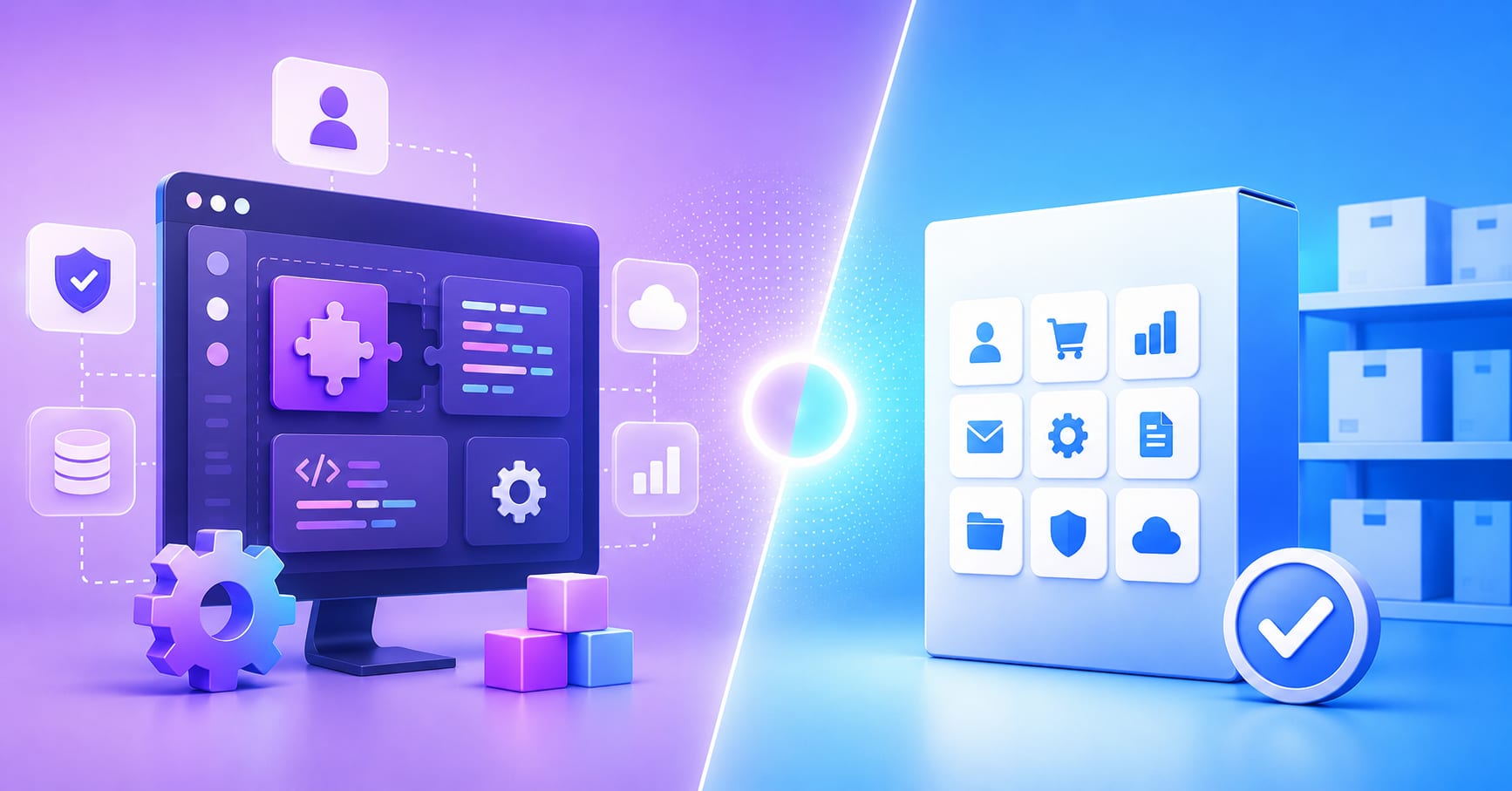
Custom software wins when the workflow is your competitive advantage. Off-the-shelf wins when you need speed, budget predictability, or a commodity function where being different from your competitors adds no value. Most businesses in 2026 need both, and the cost of getting the boundary wrong is high in either direction.
The build-or-buy question is one of the most consequential decisions an engineering leader or product team makes. Buy the wrong SaaS tool and you spend the next two years paying consultants to make it behave like something you should have built. Build what you could have bought and you sink 18 months into software that commodity vendors solved years ago. This guide gives you a practical framework for making the call.
The One Question That Cuts Through Everything
Before you look at pricing, timelines, or vendor demos, answer this: Is this workflow standard for the industry, or is it the way your company wins?
If you would describe this process in a job listing as “standard for the industry,” that is a strong signal to buy. If it is the thing you would want to protect from competitors seeing, build.
This single question filters out the majority of bad build-or-buy decisions. Most of the time, teams build things they should buy because they underestimate how good the off-the-shelf option has become. And they buy things they should build because the SaaS demo is compelling and the custom quote is scary.
Standard vs. strategic: how to tell the difference
Standard functions are those where the “how” is table stakes. Payroll, expense management, email infrastructure, basic CRM, accounting. Every competitor uses roughly the same tools for these, and using a slightly different tool gives you no measurable advantage. Buying established software for these is rational.
Strategic functions are where your process is your product, or at minimum, your margin. A logistics company whose routing algorithm cuts delivery cost by 12% does not want to run that on a generic platform. A marketplace whose matching logic drives retention does not want a vendor controlling the roadmap. A financial services firm whose risk models are the business does not want those models living in a SaaS black box.
The distinction is not about whether software is complex. It is about whether the specific way you do something creates competitive value. For a deeper look at what tailor-made software can and cannot do, our overview of the advantages and disadvantages of tailor-made software is a useful reference.
When Off-the-Shelf Is the Right Answer
Off-the-shelf software, whether packaged enterprise software or SaaS, has improved dramatically over the past decade. The bar for “good enough” is genuinely high in most categories, and it keeps rising.
Commodity functions where differentiation doesn’t matter
For functions that every organization runs the same way, off-the-shelf software is almost always the right choice. HR systems, legal document management, marketing automation, customer support ticketing, basic project management. These categories have mature, well-funded vendors who have invested hundreds of millions of dollars in solving problems your team should not be solving from scratch.
According to the MuleSoft 2025 Connectivity Benchmark Report, the average business runs 897 applications. The majority are off-the-shelf tools covering standard industry functions. The problem is not usually the buy decision itself; it is that only 29% of those tools are integrated. That is a systems architecture problem, not a build-or-buy problem.
Speed and budget constraints at early stage
For early-stage companies, off-the-shelf wins on time-to-market almost every time. A startup that needs a CRM, a help desk, and a payment processor should buy all three and launch. Building any of those before you have validated product-market fit is a poor use of capital and engineering time.
The exception is when the software you would be “buying” is the product. If your startup’s value proposition is a new way to do X, you need to build. But if X is the domain you operate in and software is infrastructure, buy first and rebuild later if you outgrow it.
When Custom Software Wins
Custom development is the right investment when one or more of the following is true: your process creates competitive value, the off-the-shelf total cost of ownership is higher than it looks, or you have outgrown generic tools and integration costs are eroding the SaaS price advantage.
When the workflow IS the competitive advantage
McKinsey research shows that companies which build strategic digital assets aligned with their core business can achieve 20-30% higher profit margins than competitors relying solely on commodity platforms. When your software does exactly what your business model requires, you optimize for your specific constraints instead of working around a vendor’s assumptions.
This matters most in industries where process efficiency is the product: logistics, manufacturing, financial services, healthcare operations, and any marketplace or platform business. If you can describe your competitive advantage in terms of how you do something, not just what you do, that “how” probably deserves custom software.
When integration costs erode the SaaS price advantage
The sticker price of off-the-shelf software is rarely the actual cost. Hidden costs accumulate quickly: integration middleware, dedicated system administrators, per-seat fees that compound as the team scales, consulting fees for configuration changes, and the cost of workarounds when the tool does not quite fit your process.
Industry analysis consistently shows that integration and training costs add roughly 150-200% to the initial SaaS license fee over a multi-year period. When a tool requires a dedicated admin, middleware subscriptions, and quarterly consultant visits, the total cost of ownership gap between buy and build narrows considerably.
When long-term TCO favors building
Custom software has no per-seat licensing fees. As an organization scales, the recurring cost of SaaS scales with it. Custom software does not. A team of 20 using a $50/seat/month tool pays $12,000 per year. At 200 people, that is $120,000 per year, plus integration overhead. Custom software built for $150,000 looks different in that context, and the economics continue to shift in favor of custom as the team grows.
The True Cost Comparison
Most build-or-buy analyses compare the wrong numbers: the upfront development cost of custom software against the monthly subscription fee of SaaS. That comparison always makes SaaS look cheap. A fair comparison uses total cost of ownership over three to five years.
Off-the-shelf: the hidden price tag
| Cost component | Typical range |
|---|---|
| License / subscription | Per-seat/month, scales with headcount |
| Implementation and setup | 1–3x first-year license cost |
| Integration middleware | $10,000–$100,000+ depending on stack |
| Internal admin (FTE cost) | 0.25–1.0 FTE depending on complexity |
| Customization and consulting | $20,000–$200,000+ over 3 years |
| Vendor lock-in / migration risk | One-time exit cost if you switch |
Custom development: what you’re actually paying for
| Cost component | Typical range |
|---|---|
| Initial build | $50,000–$500,000+ depending on scope |
| Ongoing maintenance | 15–20% of build cost per year |
| Hosting and infrastructure | $5,000–$50,000/year depending on scale |
| Feature development | Controlled; budgeted per sprint |
| Per-seat fees | None |
| Vendor dependency | None; you own the roadmap |
The year-3 crossover
The crossover point where custom software becomes cheaper than the SaaS equivalent typically arrives around year three, assuming a growing team and meaningful integration requirements. For large organizations, it often arrives sooner. This is why the decision horizon matters: if you are solving a problem for 18 months, buy. If you are building infrastructure that will run the business for five years, the economics of custom software often win.
A 5-Question Decision Framework
Run through these five questions before committing to either path. The answers will not always point cleanly in one direction, but they will surface the considerations that matter most.
1. Does this workflow create competitive advantage?
If yes, build. If it is commodity infrastructure, buy. This is the foundational question and it overrides most of the others.
2. What is the realistic three-year TCO for each option?
Include integration costs, admin overhead, per-seat scaling, and customization work on the buy side. Include maintenance, hosting, and feature development on the build side. The upfront number for custom software is always higher; the three-year number is often closer than it looks.
3. How quickly do you need this running?
A validated off-the-shelf tool can be live in days or weeks. Custom software takes months. If speed to market is the binding constraint, buy, with a plan to revisit when the business has scaled.
4. Who controls the roadmap?
With off-the-shelf, the vendor controls what gets built and when. If a capability you need is two years away on their roadmap, or not on it at all, that is a meaningful constraint. Custom software means your priorities are the only priorities.
5. What happens when you outgrow it?
With SaaS, outgrowing a tool usually means a disruptive migration. With custom software, scaling is a technical challenge you control. Think about where your business will be in three years and whether the tool you are choosing can get there with you.
The Hybrid Approach: Build for Differentiation, Buy for Commodity
The sharpest organizations in 2026 are not choosing between custom and off-the-shelf. They are being deliberate about which functions belong in each category.
The practical model: buy commodity functions from established vendors, build the workflows where your differentiation lives, and connect everything through well-designed APIs and integration layers. Gartner forecasts that by 2026, 75% of large enterprises will use low-code or no-code platforms as part of their application development approach. These tools fit naturally into the hybrid model for lightweight internal tooling, while the engineering team focuses on the differentiated core.
For teams who have made the build decision and are working through what that looks like in practice, our guide to technologies for custom web application development covers the stack decisions that come after the build-or-buy call is made.
Common Mistakes in the Build-or-Buy Decision
Comparing upfront cost rather than TCO
The most common analytical mistake. SaaS looks cheap on day one. That comparison misleads budget discussions and leads to underinvestment in custom software that would have been the better long-term choice.
Buying software and then heavily customizing it
When an organization buys an off-the-shelf tool and then spends more on customization than the license cost, they have made the worst of both decisions. They now own software they do not fully control, with a vendor relationship that complicates every change. If you need that much customization, you needed custom software.
Building for status, not for value
Some engineering teams default to building because it is more interesting than configuring. “We could build that ourselves” is true of almost everything. The question is whether you should. Building commodity infrastructure when good vendors exist is an engineering culture problem masquerading as a technical decision.
Ignoring the integration problem
The reason most organizations have a messy software stack is not that they made bad individual buy-or-build decisions. It is that they made those decisions without a coherent integration architecture. Every new tool adds to the integration debt. Before buying another SaaS tool, map how it will connect to what you already run.
Underestimating the cost of switching
Both paths create lock-in. SaaS creates data and workflow lock-in that makes migration expensive. Custom software creates an internal dependency on engineering capacity to maintain and extend. Neither is a one-way door, but both have exit costs. Factor those in before committing.
For teams at the early stage specifically, our guide on what startup founders need to know about software development covers the prioritization decisions that precede the build-or-buy question.
Key Takeaways
The build-or-buy decision is not a technology question. It is a strategy question: where does your competitive advantage live, and are you willing to invest to protect it?
For functions where you want to be the same as every other company in your industry, buy the best tool available and focus your engineering budget elsewhere. For functions where being different is how you win, build, and build it properly.
The mistake most organizations make is not any individual decision on a single tool. It is the absence of a consistent framework for making the decision. Establish the questions you always ask before letting vendors demo. Know your three-year TCO model before the first pricing conversation. Agree on what “strategic” means for your business before the first spec is written.
If you are working through a build-or-buy decision and want a perspective from a team that has been on both sides of it, our custom software development services page is the right starting point.
Frequently asked questions
No, and the framing is usually misleading. Custom software has higher upfront development cost. Off-the-shelf software has lower upfront cost but accumulates licensing, integration, customization, and admin costs over time. For a large or growing team over a three-to-five year horizon, custom software is often cheaper in total. The crossover point depends on team size, tool complexity, and how much integration work the SaaS solution requires.
Total cost of ownership tends to converge around year three for most medium-complexity applications used by growing teams. Before that point, SaaS usually has a lower cumulative cost. After it, custom software typically costs less because there are no per-seat fees and no compounding license costs. Organizations with large user bases or heavy integration requirements often reach the crossover earlier.
A focused MVP for a well-scoped workflow typically takes 8 to 16 weeks with an experienced team. Larger systems with multiple integrations, complex business logic, or high performance requirements take 4 to 12 months. The timeline depends heavily on how clearly requirements are defined before development begins. Vague requirements are the most common cause of blown timelines and budgets.
Yes, and many organizations do as they scale. The transition is easier when planned for: use SaaS tools with good API access, maintain clean data exports, and avoid heavy customization of the off-the-shelf tool that creates dependency. The switch typically involves a migration period where both systems run in parallel. The cost and disruption are manageable if the data model is clean.
The hybrid approach means buying established software for commodity functions (HR, accounting, basic CRM, email infrastructure) and building custom software for the workflows that create competitive advantage. The two sides are connected through APIs and integration layers. This is the model most mature technology organizations use, and it is increasingly practical as the API ecosystem around major SaaS tools has matured. The key is being deliberate about which category each function belongs in before evaluating vendors or writing specifications.