Inside unicrew’s AI-Powered HR: Faster Ops, Same Human Judgment
Sofia Kirichenko, unicrew's Senior People Partner, on where AI speeds up HR work, and why hiring decisions, one-on-ones, and sensitive data stay human.
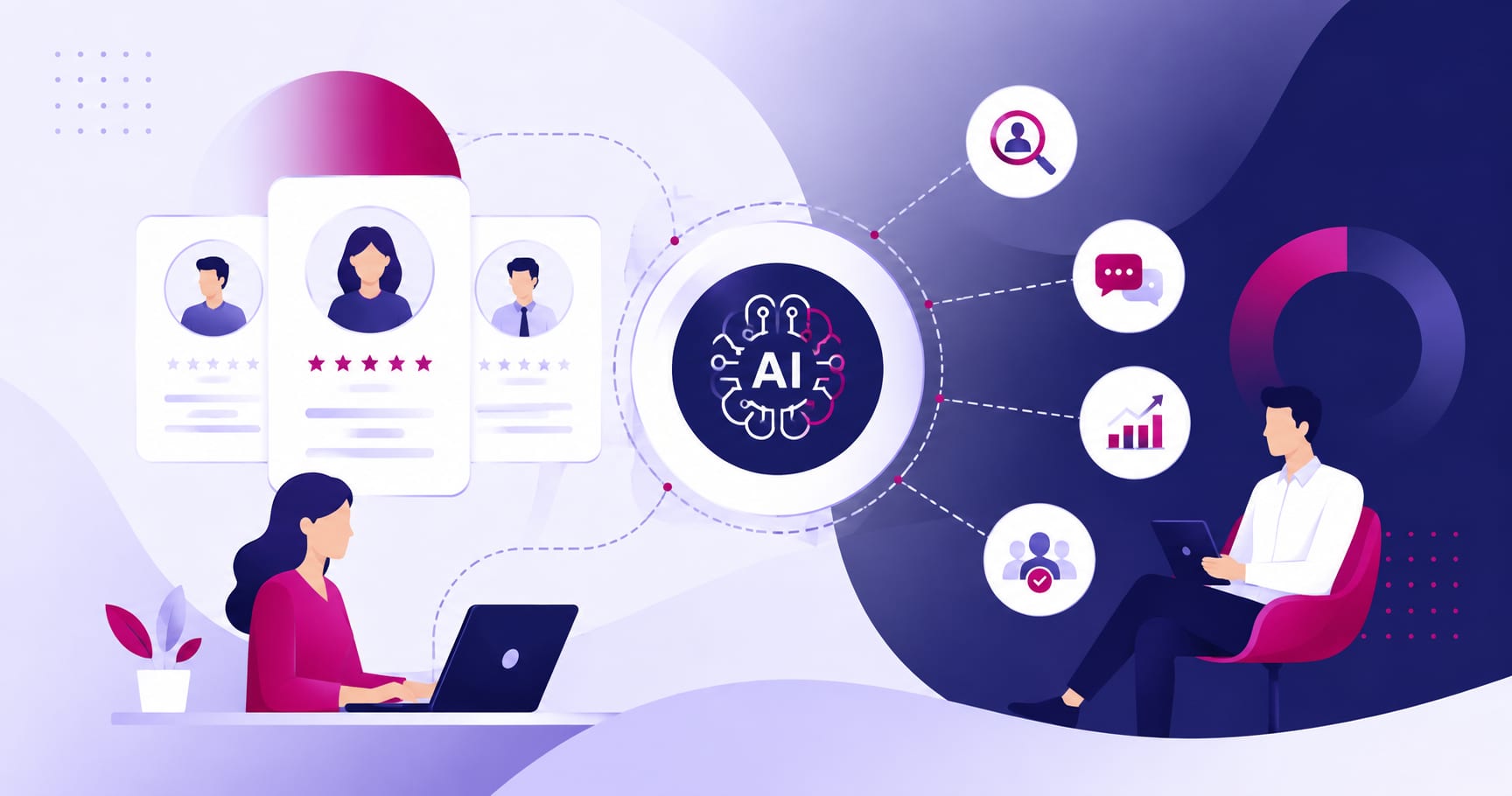
At unicrew, AI now drafts our HR reports, summarizes feedback notes, and flags performance trends across a growing team. It does not run one-on-ones, decide who gets promoted, or touch sensitive personal records. That split, what gets delegated and what stays firmly human, is the subject of this post: a conversation with Sofia Kirichenko, our Senior People Partner, on how AI actually changed her day-to-day work.
A New Series: How unicrew’s Teams Actually Use AI
This post opens a series of interviews with unicrew’s own business functions about how AI has changed the way we work. Not case studies about clients, and not predictions about the future of work in general, but a direct look at how our engineering, HR, QA, and business teams have actually adopted AI tools day to day: what stuck, what didn’t, and what we’d tell another team trying the same thing. We’re starting with People Operations, because HR sits on an unusual amount of both operational data and interpersonal responsibility, which makes it a useful test case for where AI genuinely helps and where it clearly shouldn’t.
According to SHRM’s State of AI in HR 2026 report, AI use among HR organizations jumped from 26% to 43% in a single year. The same report found that 87% of HR professionals point to “employee preference for human interaction” as the main thing stopping full automation, not the technology itself. That tension between speed and connection is exactly what this interview digs into.
Meet Sofia Kirichenko: Nine Years in HR, Several Alongside AI
Sofia Kirichenko has worked in HR for nine years, starting in recruitment before moving into broader people operations. She describes the function’s core purpose plainly: HR exists to help the business hit its goals by engaging, supporting, and motivating the team. But underneath that mission sits a large volume of operational work: meetings, feedback cycles, and processing data sets that keep growing as the company does.

“HR has a lot of operational tasks, honestly a lot of meetings, a lot of feedback to write, and a lot of information to process, including analytics,” she said. That operational load, more than the mission itself, is where AI first made a visible difference. When there’s a lot of data to work through, AI can process it faster and hand back a usable result, freeing up time for the parts of the job that data alone can’t solve.
From ChatGPT to a Custom-Built Tool: How AI Entered the Workflow
Sofia’s AI adoption didn’t start with a strategy document. It started with ChatGPT, used for the unglamorous basics: summarizing meeting notes, drafting announcements, structuring emails. From there, she and a colleague went further and built something of their own, a lightweight internal HR tool using Bolt.new, a platform that turns prompts into working applications.
The tool they built handled basic HR analytics: tracking metrics like NPS, turnover, and company event participation rate, and surfacing what changed over time instead of requiring a manual pull every time someone asked for a status update. It’s a small example of a broader pattern in unicrew’s own AI adoption: pairing off-the-shelf AI assistants with lightweight custom tooling built by the team that will actually use it.
Later, on a colleague’s recommendation, most of Sofia’s day-to-day AI work moved to Claude. She still uses Gemini alongside it, along with Google Workspace’s built-in AI features for document work, rather than consolidating everything into a single tool. “If Claude can help you build something with a specific skill you just describe, great. If Gemini formulates an announcement better or structures your emails better, use Gemini,” she said. The point isn’t loyalty to one product. It’s matching the tool to the task.
Where AI Moved Fastest: Reporting, Feedback, and HR Analytics
Three areas absorbed most of the early AI acceleration at unicrew’s People Operations team.
Reporting and HR analytics. Large data sets are exactly the kind of work AI handles well: feed it the numbers, and it returns a summary far faster than manual review would. This was the first place Sofia applied AI seriously, and it remains one of the highest-value uses.
Operational work inside the HR platform. Rather than opening individual team member profiles one by one to check status updates, Sofia can now ask an AI assistant to pull a consolidated progress report across the team. It’s a small shift in mechanics, but it removes a meaningful amount of manual navigation from a role that scales with headcount.
Performance management. Feedback writing sits at the center of Sofia’s role: probation reviews, exit interviews, promotion cycles. She takes notes during a conversation, feeds them to Claude, and gets back a structured draft in her communication style, since she’s defined that style in advance. But the review step never disappears. “The final result and the final decision before you send anything still comes down to you,” she said. “I read every one of them carefully.”
That pattern, AI drafts, a person verifies before anything goes out, shows up throughout unicrew’s own AI use and is worth naming explicitly, because it’s the difference between using AI to move faster and using it to skip judgment.
What AI Actually Frees Up: More Time for People, Not Less
The obvious question for any growing People Operations team is whether tooling changes actually translate into more time for the human parts of the job, not just faster processing of the same volume of tickets. Sofia’s answer is direct: yes, and it shows up specifically as more time for the team.
“AI just takes the routine off your plate. It optimizes you and the parts of your work it can actually do, because it can’t do everything. That frees up more time to work on something more important,” she said. The interpersonal side of HR, she’s clear, isn’t something AI takes over. It structures notes and drafts feedback quickly, but building relationships with a team still requires someone to actually go talk to people and ask for feedback directly. AI creates the time for that. It doesn’t do it.
This distinction matters more as the team unicrew supports keeps growing. More time freed from documentation and reporting means more time for the strategic and relational work that scales far less predictably than headcount does.
Rolling Out AI Without Losing the Team
Any process change brings some resistance, and AI adoption inside People Operations was no exception, even without outright pushback. “Any change brings resistance. That’s normal, we just need time to get used to something new,” Sofia said. What helped wasn’t a single announcement but repeated, incremental explanation: showing people, more than once, what a task actually looked like once handed to AI.

Inside the People Operations department, the team leaned on peer sharing rather than top-down mandates. Sofia would describe a specific process she’d successfully delegated and suggest colleagues try the same for something comparable in their own work. That exchange ran in both directions: a colleague showed her a Google Workspace AI feature built directly into document workflows, expanding her own toolkit in return. The result was a team using several AI tools rather than converging on one by default, each person finding what matched their actual workload.
Sofia also frames AI adoption as a skill-building exercise in its own right, not just a productivity shortcut. Getting a good result from an AI tool requires defining the problem clearly first, since the model doesn’t have your full context, only you do. “That really trains a skill: defining the problem, setting the goal, describing it clearly, and then verifying the quality of what comes back,” she said. It’s a habit she now actively teaches the rest of her team.
Not every process was a fit. Some of the more finance-adjacent workflows her broader team handles resisted AI optimization, and she’s candid that one-on-ones can’t be delegated to AI in any real sense either, a point covered in more detail below.
Where We Draw the Line: Decisions, Sensitive Data, and One-on-Ones
Ask Sofia what she’d never delegate to AI, and the answer comes without hesitation: final decisions. “AI can serve as an advisor and operational support. However, you are the ultimate decision maker, and as a People Manager, you cannot delegate interpersonal relationships,” she said. “You can’t say the AI told me to, so I did it that way. That’s not acceptable.” She treats AI the way she’d treat a very capable analyst: useful for input, not accountable for outcomes.
The second boundary is sensitive information. Even with confidentiality policies in place around the AI tools the team uses, Sofia deliberately keeps certain categories of work off AI entirely, including compliance-related personal records, such as documentation for team members, and other personal data that falls outside what she’s comfortable routing through a third-party tool.
The third is interpersonal communication itself. One-on-ones sit outside what AI can meaningfully take over, in her view, precisely because they depend on presence: listening to a colleague, adjusting in real time, working through something difficult together. AI can help a manager prepare questions for a one-on-one. It cannot run the meeting. “You lose the connection with people, and that’s not okay,” she said.
Why Policy Comes Before Scale
The pattern across all three boundaries (decisions, sensitive data, and human connection) is the same: AI’s usefulness scales with the clarity of the rules around it, not the other way around. unicrew treats internal AI policy as a prerequisite for expanding AI use, not an afterthought bolted on once a tool is embedded. To keep guardrails practical, each one of our departments develops and updates its own AI policies based on its specific tools and processes.
That shows up in how Sofia handles unicrew’s internal knowledge base. Her team relies on a centralized hub for policies, where she built a “Policy Creator Partner” in Claude: a saved prompt that knows her role and writing style to pull relevant articles and draft updates. Sofia’s take on HR AI policies is that they must act as clear guardrails to protect employee privacy, creating the confidence needed to automate routine drafting without sacrificing high-touch human connection.
The output still gets checked against source material every time. “If Claude writes something that isn’t quite relevant to an item, I’ll go look at it myself and verify whether it’s accurate before I ever share it with the team,” she said.
That verification step isn’t friction for its own sake. It is the mechanism that lets a small People Operations team extend AI into policy work, because review discipline makes the output trustworthy enough to publish. Governance and speed aren’t in tension here; governance earns speed.
Advice for HR Teams Just Starting Out
Sofia’s advice to HR and People Operations professionals starting to bring AI into their own work comes in three parts.
First, get literate before you get tactical. Free courses are widely available, including ones that cover AI fundamentals rather than just tool mechanics, and understanding how the technology actually works underpins everything that follows.
Second, test in practice and expect to drop what doesn’t work. Run tools in parallel, notice what’s actually useful for your specific workload, and don’t force adoption of a tool that isn’t earning its place.
Third, keep following what’s changing. There’s no shortage of accessible information on where AI in HR is heading, and staying current is part of the job now, not a side project.
She adds one underrated use case: AI can help HR professionals build quick, working familiarity with roles they don’t have deep expertise in, marketing, engineering, finance, whatever the business needs that quarter, which makes for sharper, more relevant questions in one-on-ones, interviews, and promotion conversations.
On what not to do, her list mirrors the boundaries above: don’t hand AI your decisions, and don’t let it generate your interpersonal responses. If AI starts drafting every message to every person, the emotional read of a conversation disappears, and that has a real cost to team engagement. She points to genuinely turbulent periods, Ukraine’s HR teams have lived through more than their share, as the clearest case for why: those are exactly the moments that call for full human context and empathy, not a generated answer taken at face value.
Key Takeaways
AI has measurably changed how unicrew’s People Operations team works, but the shape of that change is narrower and more deliberate than “AI does HR now.” Reporting, analytics, and first-draft feedback moved fast. Decisions, sensitive personal data, and one-on-one conversations didn’t move at all, by design. The team got there by testing multiple tools instead of betting on one, building light internal tooling where a gap existed, sharing what worked peer to peer instead of mandating it top-down, and treating policy and verification as the condition for expanding AI use, not a formality that follows it.
If you’re building out your own team’s approach to AI, that’s the more useful framing than any tool comparison: figure out what your team is actually accountable for, protect that, and let AI take the rest.
Curious how a similar approach could apply to your own technology team? Take a look at unicrew’s AI development services, or read how our engineering teams are approaching AI-native development. And if this kind of work culture sounds like a fit, our careers page is a good place to start.