MCP Explained: How AI Agents Plug Into Your Tools
Model Context Protocol (MCP) is becoming the standard that connects AI agents to your business tools. What it is, why it's spreading fast, and how to start.
Model Context Protocol, or MCP, is an open standard that lets AI models connect to a company’s tools, data, and systems through one shared interface instead of a custom integration for every combination. Anthropic introduced it in November 2024, and by mid-2026 it has become the default way AI agents actually get work done, not just talk about it.
That shift matters more than it sounds. For the past few years, “AI agent” mostly meant a chatbot with a clever prompt. It could summarize a document or draft an email, but the moment you asked it to check your CRM, open a ticket, or pull a number from an internal database, someone had to write a bespoke integration first. MCP is the layer that removes that step. It is, in a real sense, the connective tissue that turns a language model into something that can act inside a business rather than just talk about it.
This piece is a plain-language map of what MCP is, why adoption is accelerating so quickly right now, and what it actually looks like to plug it into the systems a business already runs on. If you have read a security-focused MCP article and came away more worried than informed, or read a developer-facing spec and came away more confused than informed, this is the version written for the people who have to decide whether and how to invest in this.
What Is the Model Context Protocol (MCP)?
MCP is an open protocol, originally released by Anthropic, that standardizes how AI applications discover and call external tools, retrieve data, and pass context back and forth. Think of it as a common language: instead of every AI vendor and every internal tool speaking a different dialect to each other, they speak MCP.
The N×M Integration Problem MCP Solves
Before a shared protocol existed, connecting AI models to business systems was an N×M problem. If a company wanted three different AI models to work with four different internal tools (say, a CRM, a ticketing system, a code repository, and an internal wiki), that meant building and maintaining up to twelve separate integrations. Add a fifth tool or a second AI vendor, and the number climbs again. Every new connection was custom work, and every custom integration was another thing to secure, document, and keep from breaking when either side changed.
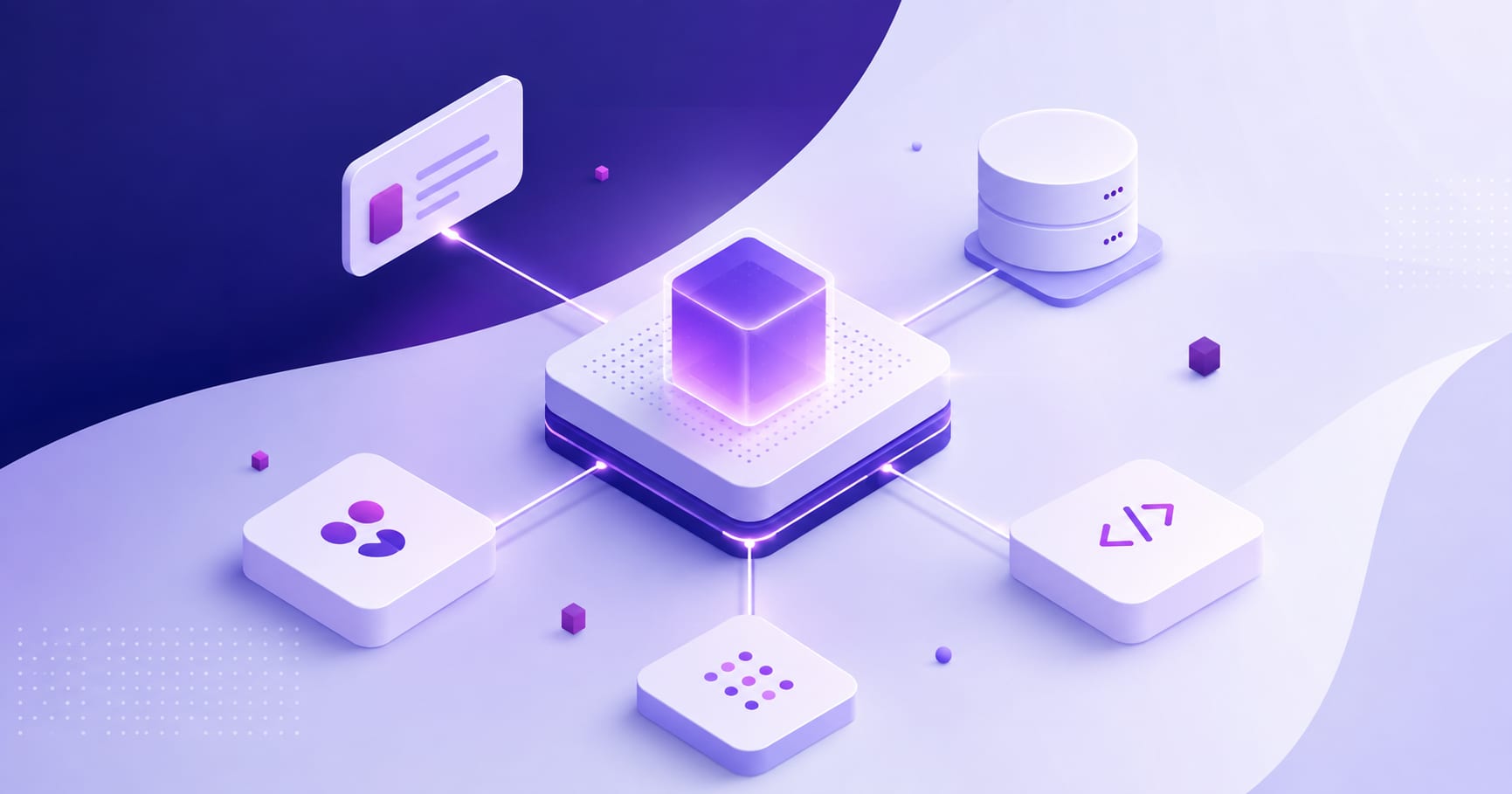
MCP collapses that into an N+M problem. A tool exposes its capabilities once, as an MCP server. Any MCP-compatible AI application can then talk to it, without a custom adapter for each pairing. The maintenance burden moves from “every combination” to “every endpoint,” which is a meaningfully smaller number as an organization adds more tools and more models over time.
Hosts, Clients, and Servers: The Three Roles in MCP
MCP defines three roles that show up in nearly every implementation:
The host is the AI application itself, the thing a person is actually using (a chat interface, an IDE assistant, an internal agent platform).
The client lives inside the host and manages the connection to a given server, handling the handshake and message passing.
The server is the piece that exposes actual capabilities: tools (actions the model can take, like creating a ticket), resources (data the model can read, like a document or database record), and prompts (reusable templates that shape how the model approaches a task).
In practice, a business builds or deploys MCP servers for the systems it wants an agent to reach, and any compliant AI application can then use them. That is the whole idea: build the connection once, reuse it everywhere.
Why MCP Is Gaining Ground So Fast Right Now
MCP adoption in 2026 looks less like early experimentation and more like infrastructure settling into place. The protocol’s official SDKs (Python and TypeScript) see roughly 97 million monthly downloads, and the official MCP registry had passed 9,600 listed server entries as of a May 2026 snapshot, up from a few hundred at launch (“MCP Adoption Statistics 2026”, digitalapplied.com, citing Anthropic ecosystem data and the official MCP Registry API).
More telling than the download numbers is where organizations actually are in deployment. Stacklok’s State of MCP in Software 2026 survey found 41% of surveyed organizations already running MCP in some production capacity, split between 29% in limited production and 12% in broad production, with another 30% in active pilots (via digitalapplied.com’s compilation of the Stacklok data). That is not a speculative technology anymore; it is something more than a third of software organizations have already put in front of real workloads.
The bigger AI adoption numbers explain why the pressure to solve the integration problem is so high. McKinsey reported in November 2025 that 88% of enterprises now use AI in some form, but only 39% see measurable business impact from it, a gap this protocol was built to close. Gartner separately projects that 40% of enterprise applications will include task-specific AI agents by the end of 2026 (both cited in unicrew’s Enterprise AI Roadmap). Put those together and the pattern is clear: most companies have already adopted AI in some form, few have gotten measurable value from it, and a rapidly growing share of enterprise software is about to expect agents that can act, not just answer. MCP is the layer that sits underneath that shift, and it is why “connected agents” rather than “chatbots” is the framing worth paying attention to this year.
What Connected Agents Actually Do With MCP
The abstraction is useful, but the practical value shows up in specific workflows. A few patterns that come up repeatedly once a business connects an AI agent to its actual tools through MCP:
An agent connected to a CRM can look up an account’s history, draft a follow-up based on the last three interactions, and log the outcome back into the record, instead of a person toggling between the CRM and a separate AI tab.
An agent connected to a ticketing system can triage incoming issues, tag them by severity using the same criteria a human would apply, and open a draft response for a support engineer to review rather than write from scratch.
An agent connected to a code repository can look up whether a bug has already been reported, check recent commits touching the relevant file, and summarize the likely cause before a developer even opens the ticket.
An agent connected to internal documentation or a wiki can answer a question by actually reading the current version of a policy or spec, instead of relying on whatever the model happened to learn during training, which may be stale or simply wrong for a specific company’s setup.
From Chatbots to Agents That Take Action
The distinction worth holding onto: a chatbot answers questions. An agent, in the sense the industry means it in 2026, takes actions with consequences, creating a record, sending a message, updating a status, and does so inside the systems a business already depends on. MCP is what makes the second kind possible without a custom integration behind every single action. That is also exactly why the governance question below matters: an agent that can only answer questions is low-risk by default; an agent that can write to a production system is not, and the protocol that grants that access deserves the same scrutiny a new employee’s system permissions would.
Where MCP Fits Into an Agentic Development Strategy
MCP is infrastructure, not a strategy on its own. The organizations getting real value from it are treating it as one layer inside a broader plan for where agents should operate, not a standalone initiative to “add MCP” for its own sake. Our Enterprise AI Roadmap covers the sequencing question in more depth: readiness assessment, use case selection, integration approach, governance, and iterative scaling, all before a single server gets deployed.
Where MCP specifically enters that sequence is the integration approach stage: once a business has picked a use case worth automating, the question becomes whether to reach the systems it needs through prebuilt connectors, a custom server, or a managed enterprise deployment.
Three Ways to Get Started: No-Code, Custom Server, Managed Enterprise Deployment
The lowest-friction path uses no-code integrations already built by AI platforms and tool vendors: connecting Claude or a similar assistant directly to something like Google Drive or Slack through an existing connector, no engineering required, and often usable within an hour.
The middle path is a custom MCP server built for a specific internal tool, whether that is a proprietary database, an internal API, or a legacy system with no existing connector. This is a real engineering task, closer to building an internal API than writing a script, and it is where most of the “MCP server development” work actually happens.
The most involved path is a managed enterprise deployment: multiple servers, centralized authentication, audit logging, and the kind of access controls a regulated business needs before letting an agent touch production data. This is where the governance conversation below becomes unavoidable rather than optional.
Most organizations do not pick one path exclusively. A common pattern is starting with a no-code connector on a low-stakes internal workflow to build confidence and internal buy-in, then moving to custom servers for the systems that actually matter to the business, with enterprise-grade controls layered in as the number of connected agents grows.
The Part Nobody Wants to Talk About: Governance and Risk
MCP makes it easier to connect an agent to a business system. It does not automatically make that connection safe. An MCP server that exposes a tool for creating support tickets is also, by definition, exposing a way for a model (or anyone who can manipulate that model’s inputs) to create arbitrary tickets, unless it is scoped and secured properly.
This is not a hypothetical concern. We’ve covered the security side of this in detail in our practical guide to securing MCP servers, including specific numbers worth sitting with here too: over 30 CVEs targeting MCP servers surfaced in just a two-month span in early 2026, and an analysis of thousands of open-source MCP servers found that a majority relied on insecure static secrets rather than proper credential management. None of that means MCP is inherently unsafe. It means the same discipline that applies to any system with write access to production, scoped permissions, audited access, validated inputs, needs to apply here too, and it is worth building in from the first server rather than retrofitting after something goes wrong.
How to Start Without Overcommitting
The most common mistake is treating MCP adoption as an all-or-nothing infrastructure project when it works better as an incremental one. A few principles that hold up across most organizations sizing this up for the first time:
Start with one workflow, not a platform. Pick a specific, bounded task, something like drafting first-pass responses to a category of support tickets, and connect an agent to exactly the systems that task needs. Resist the urge to build a general-purpose agent with access to everything on day one.
Choose read access before write access. An agent that can look things up but not change them carries a fraction of the risk, and it is where most teams should validate that an agent’s outputs are actually reliable before giving it the ability to act.
Treat every MCP server like a new employee’s access grant. Scope permissions narrowly, log what gets used, and revisit those permissions on a schedule rather than only when something breaks.
Budget for maintenance, not just the build. An MCP server is a piece of software that needs the same lifecycle attention as any internal API: monitoring, patching, and updates as the underlying tool’s own API changes.
Key Takeaways
MCP is the standard making it practical to connect AI agents to the tools and data a business actually runs on, replacing a growing pile of custom integrations with a shared interface. Adoption has moved past early experimentation, with more than a third of surveyed software organizations already running it in production. The value shows up when agents move from answering questions to taking actions inside real systems, and the risk shows up in exactly the same place, which is why governance has to be part of the plan from the first server, not an afterthought.
If your team is weighing where to start, the smallest useful first step is usually a single well-scoped workflow with read-only access, not a platform-wide rollout. Our AI Integration Services team works with organizations sorting out exactly that sequencing, from picking the first use case through building and securing the servers that make it real.
Frequently asked questions
MCP, or Model Context Protocol, is an open standard that lets AI models connect to a company’s tools and data through one shared interface instead of a custom integration for every AI-to-tool pairing. It was introduced by Anthropic in November 2024 and has since been adopted broadly across the AI industry.
No. An AI agent is the system that plans and takes action; MCP is the protocol that lets that agent reach outside tools and data safely and consistently. An agent can exist without MCP, using custom integrations instead, but MCP is what lets the same agent connect to many tools without a bespoke integration for each one.
A traditional API integration is typically built for one specific pairing: this app talking to that API. MCP standardizes the interface itself, so once a tool exposes an MCP server, any MCP-compatible AI application can use it without a new integration being written from scratch. It reduces the N×M integration problem to roughly N+M.
Existing API integrations do not need to be thrown out. Many teams wrap existing internal APIs behind an MCP server, which lets the same underlying system now be reached consistently by any AI agent, rather than only the one application it was originally integrated with. It is additive infrastructure more often than a replacement.
MCP itself is a protocol, not a guarantee of security; that comes from how individual servers are built and deployed. With proper authentication, scoped permissions, input validation, and monitoring, MCP servers can meet enterprise security requirements, but the research shows many current implementations skip these basics. Our guide to securing MCP servers covers the specific practices that matter most.